
AI Clothing Photography: From Garment References to Model Images
Explore AI clothing photography with MOGU: choose WeShop AI workflows for flat-lay, mannequin, on-model images, and garment-focused edits.
A MOGU guide to choosing a WeShop AI workflow around the clothing photos you already have.
AI clothing photography uses image generation and editing to create apparel visuals from garment photos and other references. A flat-lay image can be the starting point for a model presentation. An existing model photograph can provide the basis for a different setting or styling direction.
Our fashion and ecommerce background at MOGU keeps the garment at the center of those choices. The picture needs to communicate something useful about the clothes, whether it is for a shop, a lookbook, or a creator’s styling project. WeShop AI, backed by MOGU, provides tools for exploring these presentations, with ecommerce clothing imagery remaining a core use.
Start with the Garment Photo You Have
A flat-lay image shows clothing arranged on a surface and photographed from above. It can provide a clear view of the garment’s outline and visible design details. A mannequin or model photograph adds information about how the item appears around a body in that particular pose. Shopify’s clothing photography guide explains these established presentation formats.
Keep the original photo available throughout the project. It gives you something concrete to compare with a generated result: the location of a pocket, the shape of a collar, or the spacing of a print.
| Starting material | Useful information in the source | A possible creative task | What WeShop AI offers |
|---|---|---|---|
| Flat-lay garment photo | Visible outline, front details, and the arrangement of the item | Explore an on-model presentation, or refine the flat-lay image for a product listing. | The AI Clothing Piece Generator creates flat-lay presentations from clothing photos or a description. Specify the background and layout for the intended listing, then check the result against the actual garment. |
| Mannequin photo | The garment’s presentation around a form | Explore an on-model image using the photographed item as a reference. | AI Fashion Model can use mannequin photos as garment references for on-model images. For a different output, the AI Ghost Mannequin Generator removes the visible form to create an invisible-mannequin presentation. Reconstructed areas still need checking against real garment references. |
| Existing model photo | A particular outfit, pose, and photographed silhouette | Explore another setting or make a selected change to the image. | Virtual Try-On supports exploring a new garment on a person or model. The AI Mannequin Generator takes a different direction: converting a real-model photo into a mannequin-style presentation. |
These are starting points, rather than fixed assignments to particular tools. Several workflows can work from the same type of photograph. With WeShop AI, a store can explore different presentations around its available references and intended output. The accepted inputs and the details visible in those references determine which workflow fits.
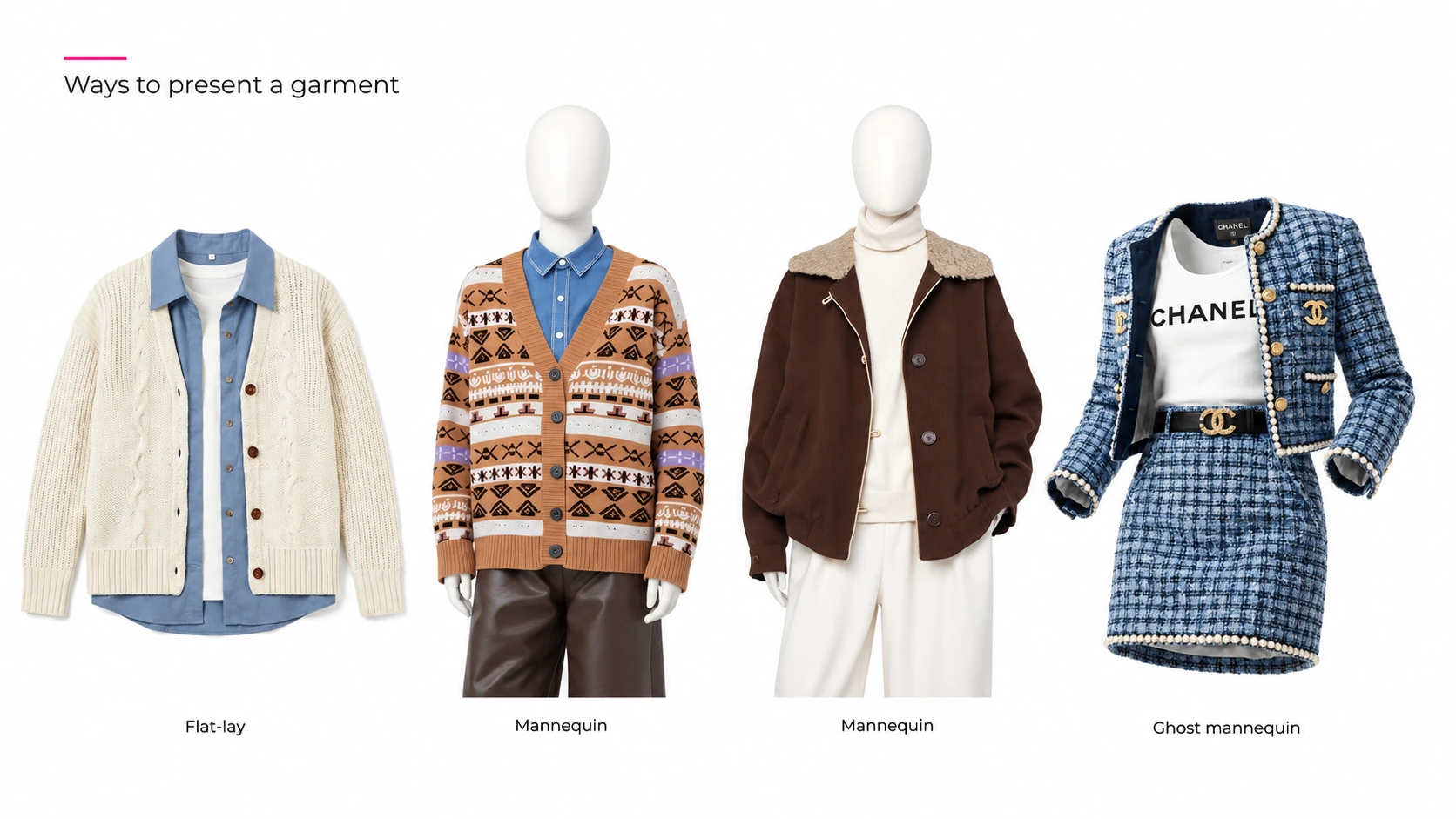
Turning a Garment Reference into an On-Model Image
If the aim is to show a garment on a person, model generation and virtual try-on are both relevant approaches. The choice depends on the references available and the controls offered by the selected workflow.
AI Fashion Model supports creating on-model visuals from clothing references, including flat-lay and mannequin images. Virtual Try-On also works with garment references to explore clothing on a model or person. Their uses overlap; the intended output and the input options matter more than the name of the feature.
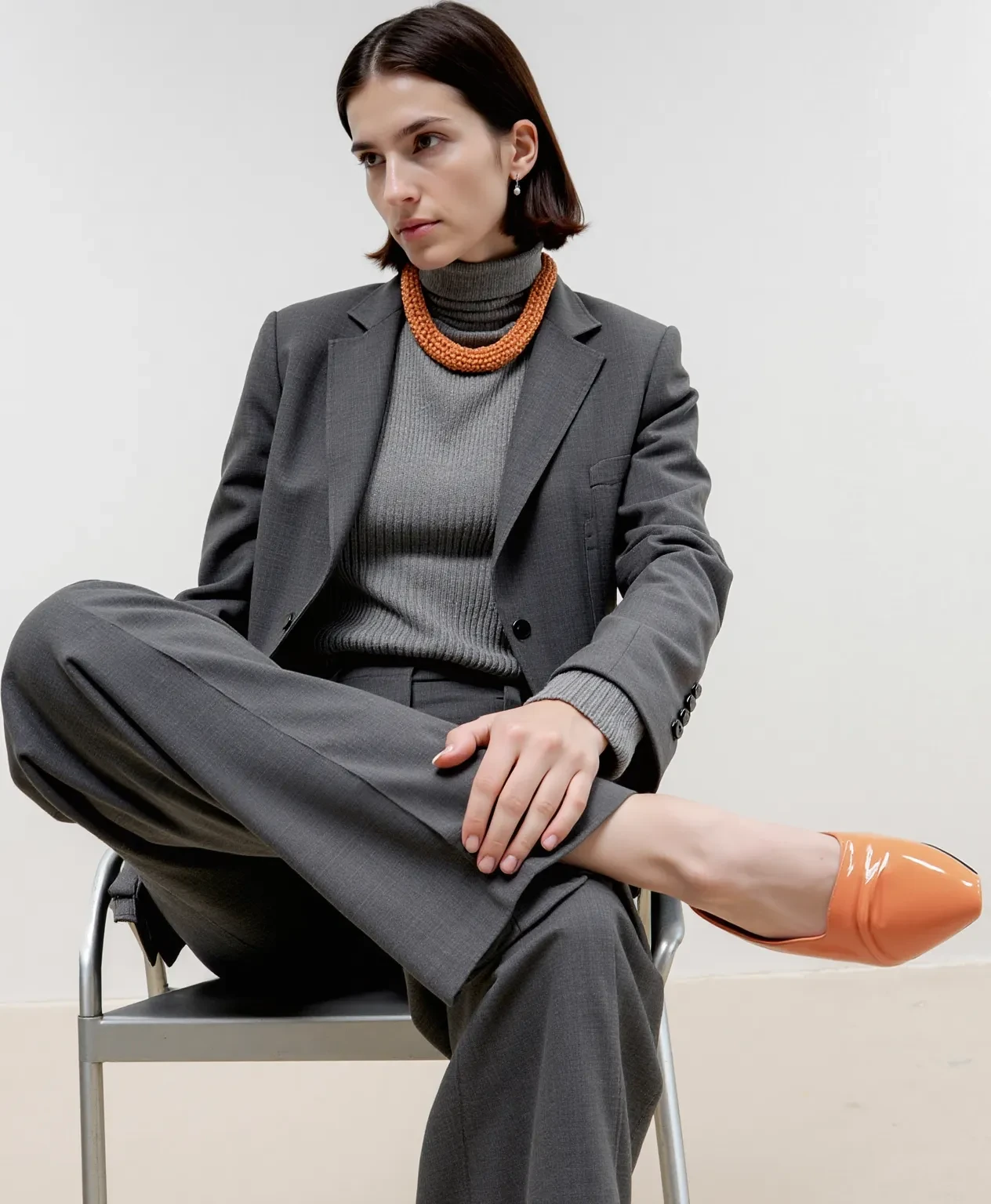
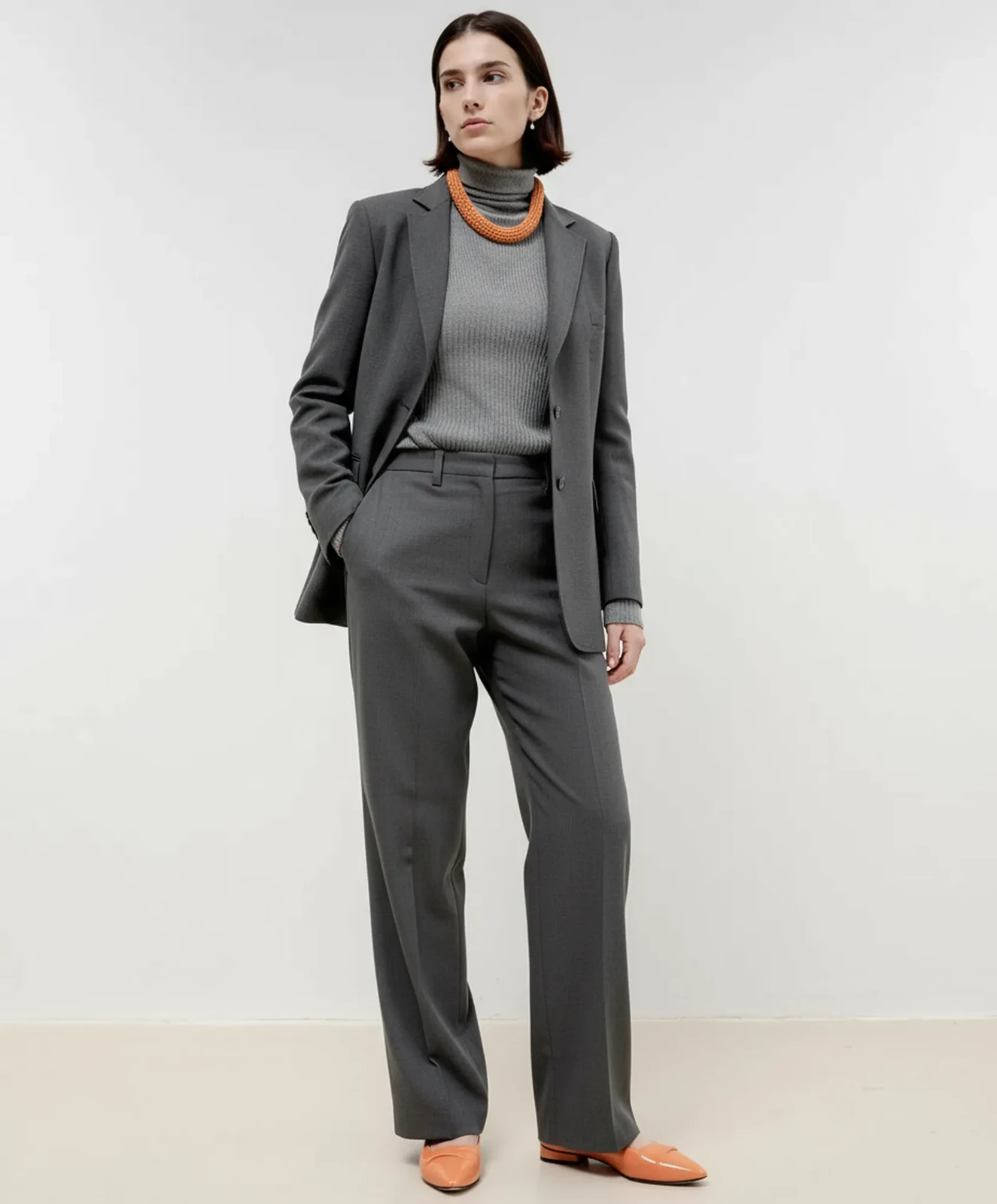
Consider a button-front shirt photographed flat on a table. A team developing a lookbook could use that front view as the garment reference and describe a model standing against a plain studio background. The brief could ask to retain the photographed collar, button arrangement, and pocket while exploring the on-model presentation. This gives the generation a defined creative purpose.
An AI-generated on-model image shows a possible visual presentation. It does not measure the garment’s fit on a particular customer. That distinction matters when deciding what the image is meant to communicate.
Working from an Existing Model Photograph
An existing model photo already includes decisions about pose, styling, and light. Begin by identifying the change you need. Different markets and platforms may call for different presentation choices. A new background and a new outfit are different tasks, even when the same photograph supplies the starting point. WeShop AI offers tools for exploring each kind of change.
For model or background changes, the brief can focus on the presentation you want to revise, with the photographed outfit as the garment reference. If the task is clothing replacement, a reference for the new garment becomes relevant as well. Check which inputs the selected workflow accepts before preparing the edit.
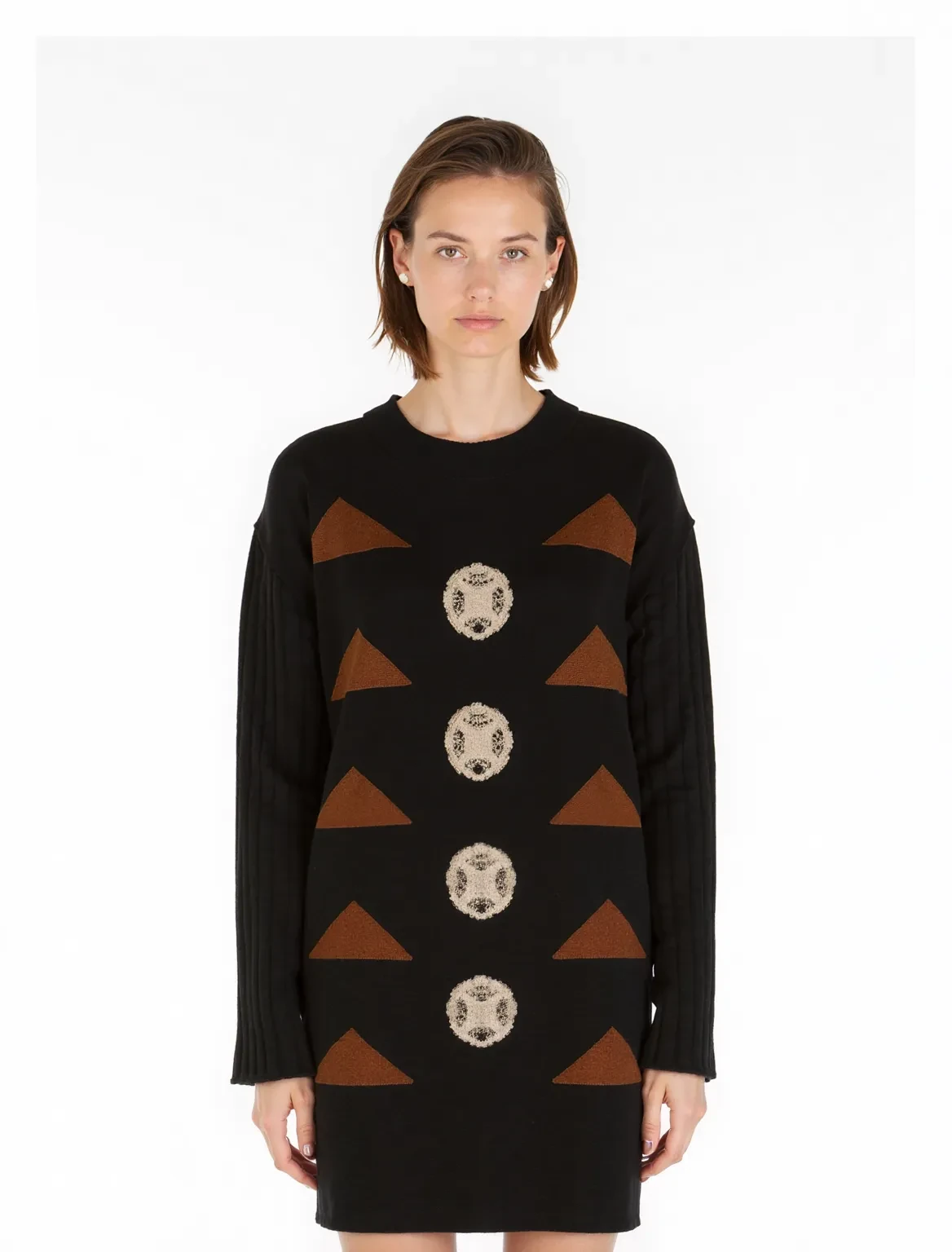
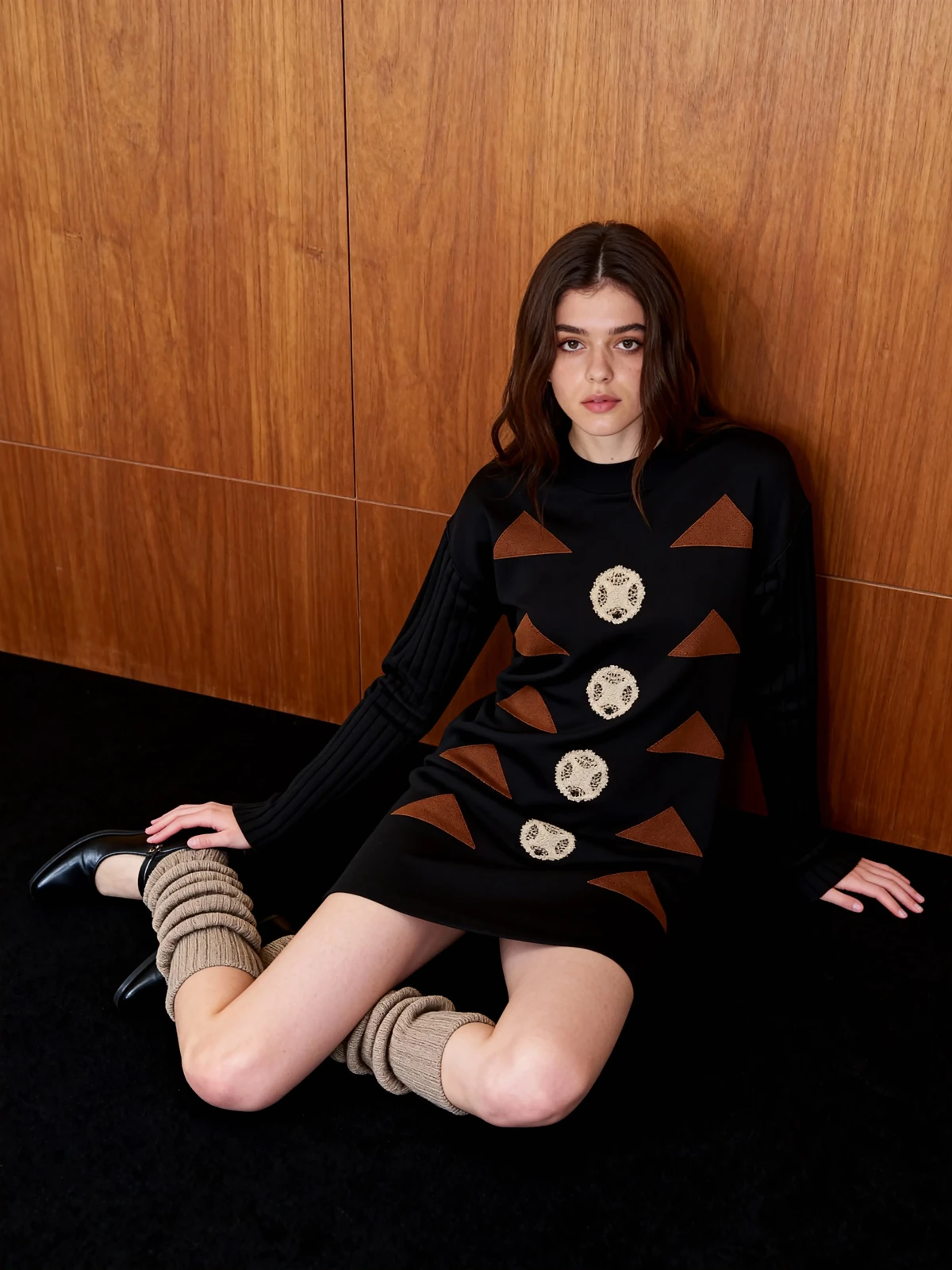
Suppose a creator has an outfit photograph and wants a different setting for a social post. The existing outfit and composition can guide that edit. If the creator instead wants to try a different jacket, the work shifts toward clothing replacement and needs information about the new jacket.
In either case, use clear source material that you have permission to edit. A photograph with a sleeve hidden behind an arm gives the model less information about that sleeve. Another photograph can help you verify details missing from the first, even if it is not an input to the selected workflow.
Decide What Must Stay True to the Garment
The creative brief should separate the intended change from the details that identify the clothing. For the shirt example, a new setting may be welcome; a changed collar or missing pocket may make the image unsuitable for representing the actual item.
Compare a generated image with the source at the detail level. Check the garment’s outline and distinctive construction first, then look at color, print, and texture. A plausible photograph can still depict a different product detail.
The purpose of the output also matters. A design concept may explore a new silhouette. A product image for an existing garment needs to represent that garment. Keep concept variations separate from images intended to describe an item for sale.
If a project requires a view that the references do not show, add a real photograph of that view where possible. Generating an unseen back or side is not evidence of the garment’s actual construction.
Choose the Workflow Around the Image You Need
A flat-lay can show garment details without needing an on-model transformation. For a styling brief, explore a model presentation; for a new setting around an existing outfit, start with an edit to that photograph.
Explore AI Fashion Model and Virtual Try-On on WeShop AI with the task and references that fit your project. For more on preparing the starting image, see our guide to flat-lay and on-model product photos.