
WeShop AI and MOGU: Product Background and Key Uses
Explore WeShop AI’s connection to MOGU, its product background, and key uses for ecommerce sellers, fashion brands, and creative teams.
Understanding WeShop AI’s connection to MOGU, who it serves, and its main applications.
WeShop AI is an all-in-one AI image and video creation platform backed by MOGU. It was developed by MOGU Inc.’s artificial intelligence team. This connection places WeShop AI’s origins in ecommerce, where product images and fashion presentation are everyday business needs. This article explains its background and main uses.
WeShop AI’s Connection to MOGU
At MOGU, our work in fashion and ecommerce connects merchants, creators, and shoppers. Product presentation is part of that connection: the images people see help them understand a garment, explore a style, and discover something they might want to buy. Our fashion and lifestyle ecommerce background provides the context for understanding WeShop AI. Merchants need to show what they sell. Creators need material for stories and campaigns. Shoppers need images that make the product clear.
For a fashion business, those needs quickly become specific. A garment may need to be shown on a model, a collection may need a new setting, and a campaign may call for more than the original studio photograph. Each version involves choices about the product, the person, and the surroundings.
WeShop AI brings AI image and video creation to this part of the creative process. Backed by MOGU and developed by MOGU Inc.’s artificial intelligence team, it has its roots in the practical work of presenting products online. We began with AI-generated commercial imagery for these kinds of tasks.
WeShop AI's official test version launched in April 2023, followed by a formal release in May and an international version in July. A November 2023 account of WeShop’s early development, republished on its Chinese blog, documents those early milestones and the team’s background.
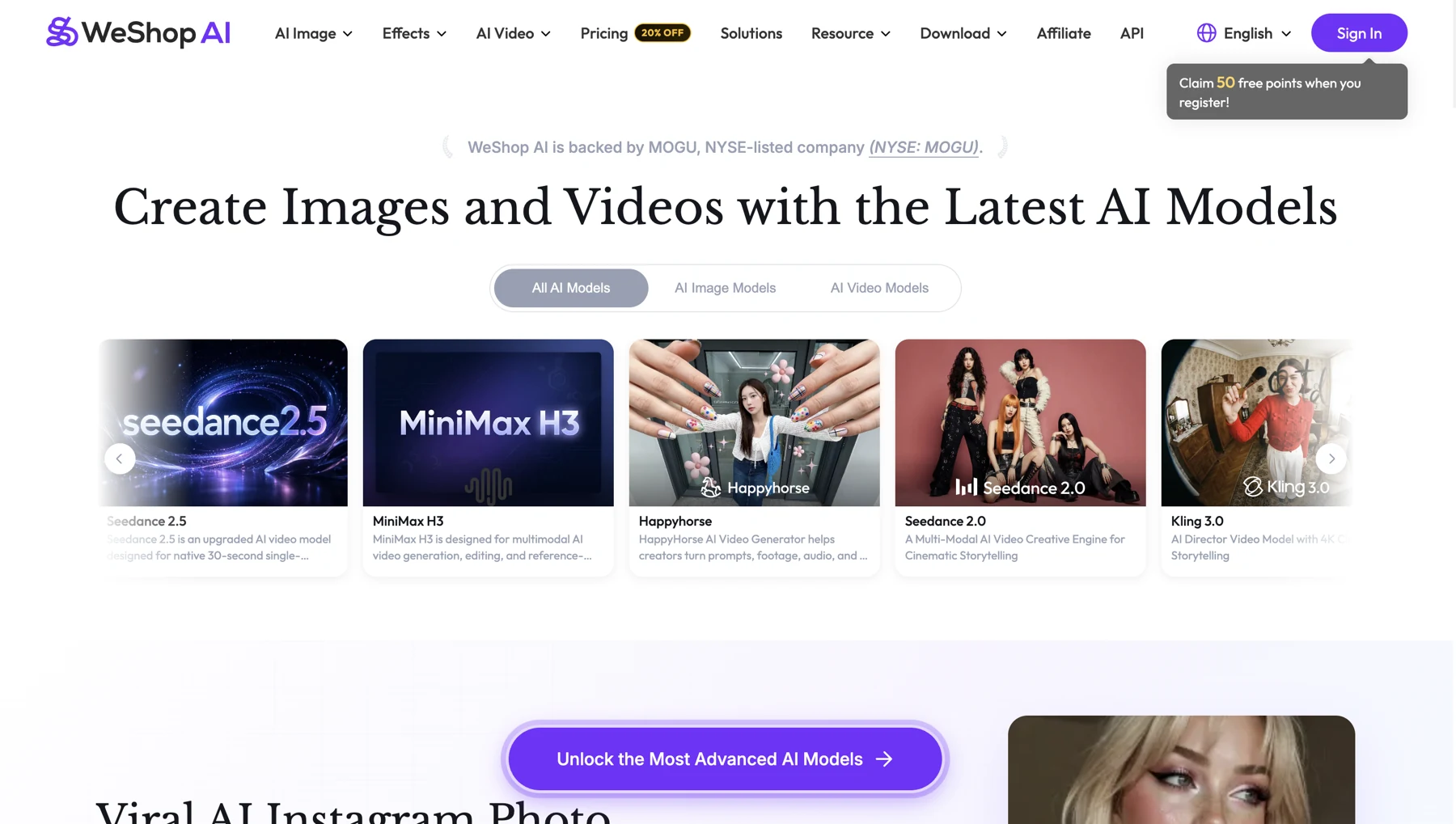
Today, the platform includes a vast collection of image generation, editing, and video tools. Its origins at MOGU give that product history a clear starting point in fashion and ecommerce.
For readers researching the company behind WeShop AI, the distinction is useful: MOGU provides the group background, while WeShop AI is the product name to look for when exploring its creative tools.
Starting with the Product and the Creative Task
A product photograph can serve several purposes. On a listing page, it needs to show the item clearly. In a campaign, it may need a setting and a mood. A fashion image may need to communicate an outfit as well as an individual garment.
WeShop AI offers ways to explore those different presentations using product photos, garment references, and other visual inputs. The starting question is practical: what do you already have, and what do you need to create next?
For a seller, that might mean exploring a scene around an existing product photo. For a fashion team, it might mean trying a garment presentation on a model. For a designer or marketer, it could mean developing a visual direction before selecting assets for a campaign.
Example Uses of WeShop AI
Product Images and Scenes
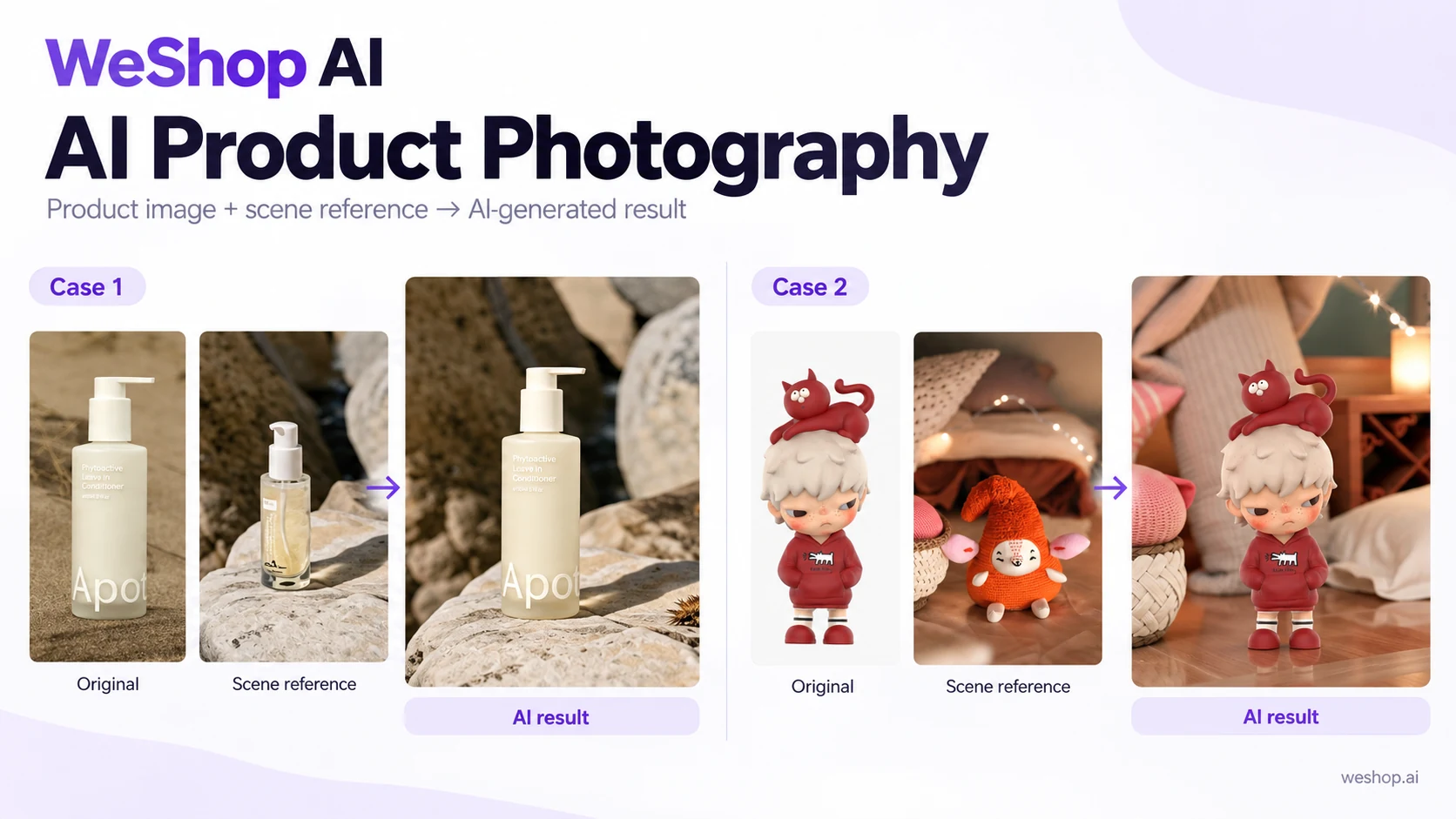
AI Product Photography lets teams place a product reference into a generated setting. A homeware item, for example, could be explored in a tabletop scene rather than only against its original background.
Background editing and image cleanup support related tasks. They give a team ways to change the presentation while using the original photograph as the reference for the item’s shape, color, and identifying details.
Fashion Models and Virtual Try-On
Fashion imagery is closely connected to WeShop’s origins. Model imagery and Virtual Try-On offer ways to explore clothing presentation using garment and model references.
A fashion team can use these outputs to consider a styling direction or develop an image for further selection. A virtual try-on image is a visual representation, rather than a measurement of how a garment will fit a customer. Fabric details, proportions, and prints still matter when choosing the final image.
Image Editing and Marketing Video
Once an image has a useful direction, a team may want to adjust its background, remove a distracting element, or explore a moving version. WeShop’s editing tools and AI Video Generator extend the work into these tasks.
For example, a still fashion image can become the reference for a short showcase concept. The creative choice then includes movement as well as composition, with the product remaining the reference for selecting a usable result.
Explore WeShop AI
For MOGU, introducing WeShop AI means connecting a creative product with the fashion and ecommerce context it grew from. That context helps explain its focus on product presentation, clothing imagery, and the material merchants and creators use to communicate their ideas. If you want to learn more about WeShop AI’s capabilities, feel free to read our blog article about WeShop AI in 2026 or explore WeShop AI’s official website.
You can find WeShop alongside our other businesses in MOGU’s product overview. To explore its image and video capabilities in more detail, visit WeShop AI.