
WeShop AI in 2026: Image and Video Creation Beyond Ecommerce
Discover how WeShop AI has expanded since 2023, bringing image generation, editing, and video creation to merchants, designers, and everyday creators.
A MOGU perspective on how WeShop’s creative possibilities have expanded since 2023.
WeShop AI in 2026 is an AI image and video creation platform for merchants, designers, social creators, and people making personal projects. It brings image generation, instruction-based editing, and video tools together, with a choice of models for different creative needs.
At MOGU, our work in fashion and ecommerce provides the background for that growth. In 2023, WeShop AI's focus was AI-generated commercial imagery. Today, someone can bring it a poster to revise, references to combine, or an illustration to animate. The work has expanded along with the models and tools available to creators.
For users wondering what WeShop AI is today: It is an AI image and video creation platform for businesses and individual creators, with tools for generating, editing, and animating visual content.
Ecommerce Was the Starting Point
Our roots at MOGU are in fashion and ecommerce. That background helps facilitate the early focus of WeShop AI: product presentation, model imagery, and the visual material merchants need to sell online.
A merchant’s product photograph remains a useful reference today. It can also become the starting point for an edited campaign image or a short video concept. AI ability has evolved drastically and it moves beyond the need for massive production of commercial materials. Models with different capabilities and strong suits are introduced throughout development of WeShop AI. We realized the need to widen WeShop AI's scope to include more scenarios in AIGC.
More Model Choices, More Ways to Direct an Image
The changes since 2023 reach into how a creator works with an image. Alongside ecommerce tools, WeShop AI offers model-based generation and editing, including access to GPT Image 2.5 Sunbrust and Nano Banana 2. These third-party models bring different approaches to generating a picture or working from an existing reference.
Different tasks call for different approaches. A designer exploring an illustration may begin with a text description. Someone working from an existing photograph may want to change a particular element while using the rest of the picture as a reference. Merchants need rich text on their posters to boost sales value.
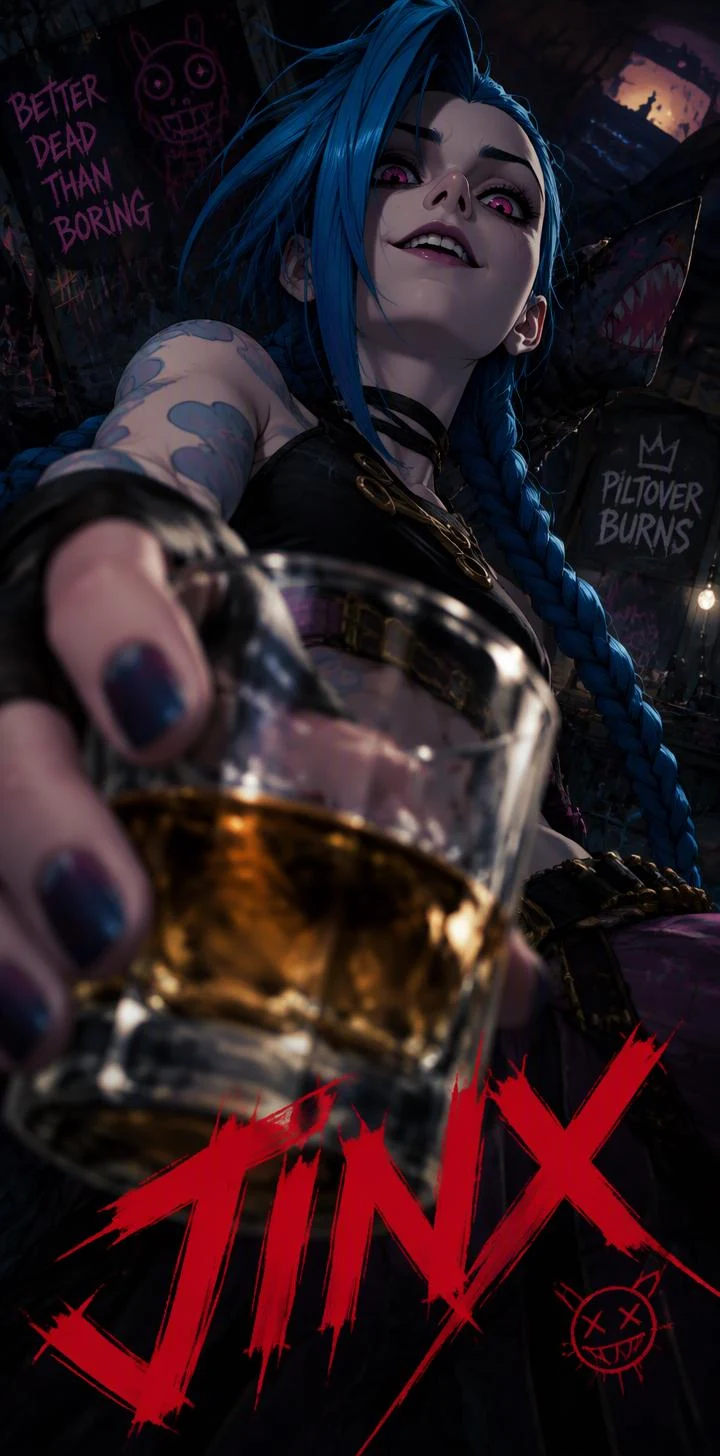
GPT Image series, for example, supports detailed instruction-based image editing. Its Chinese and English text-editing capabilities support work on poster concepts: a designer can request a change to wording within the image, then inspect whether the result preserves the intended type and layout.
This gives precision a practical meaning: specifying which detail to change, which reference to follow, and what text should remain recognizable. A useful result depends on the task and the selected model. Small lettering, facial details, and product labels still deserve close inspection.

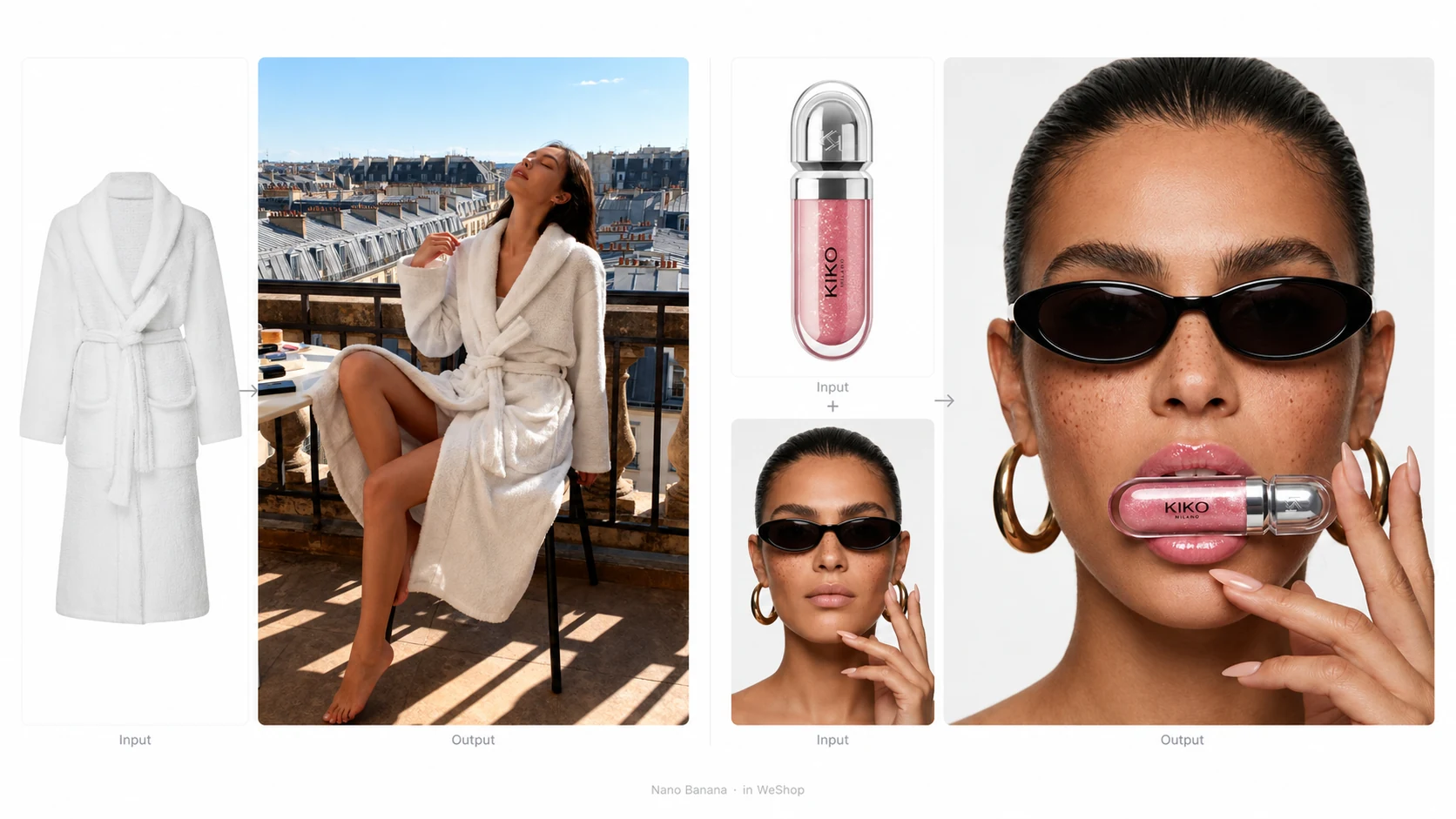
Nano Banana series offers another area of expertise, using references to blend photos and explore changes through detailed instructions. A creator could combine a portrait with a setting, then request a different treatment of the clothing. The model’s photo blending and iterative editing let creators develop an idea through successive changes. The selected model and available controls determine how a particular project can be approached.
Creative Tools Beyond the Storefront
Task-focused tools make this broader creative scope easier to use. In WeShop AI, these tools combine prepared prompts with selected models, helping users move quickly from an idea to a first result without setting up the prompt and model from scratch.
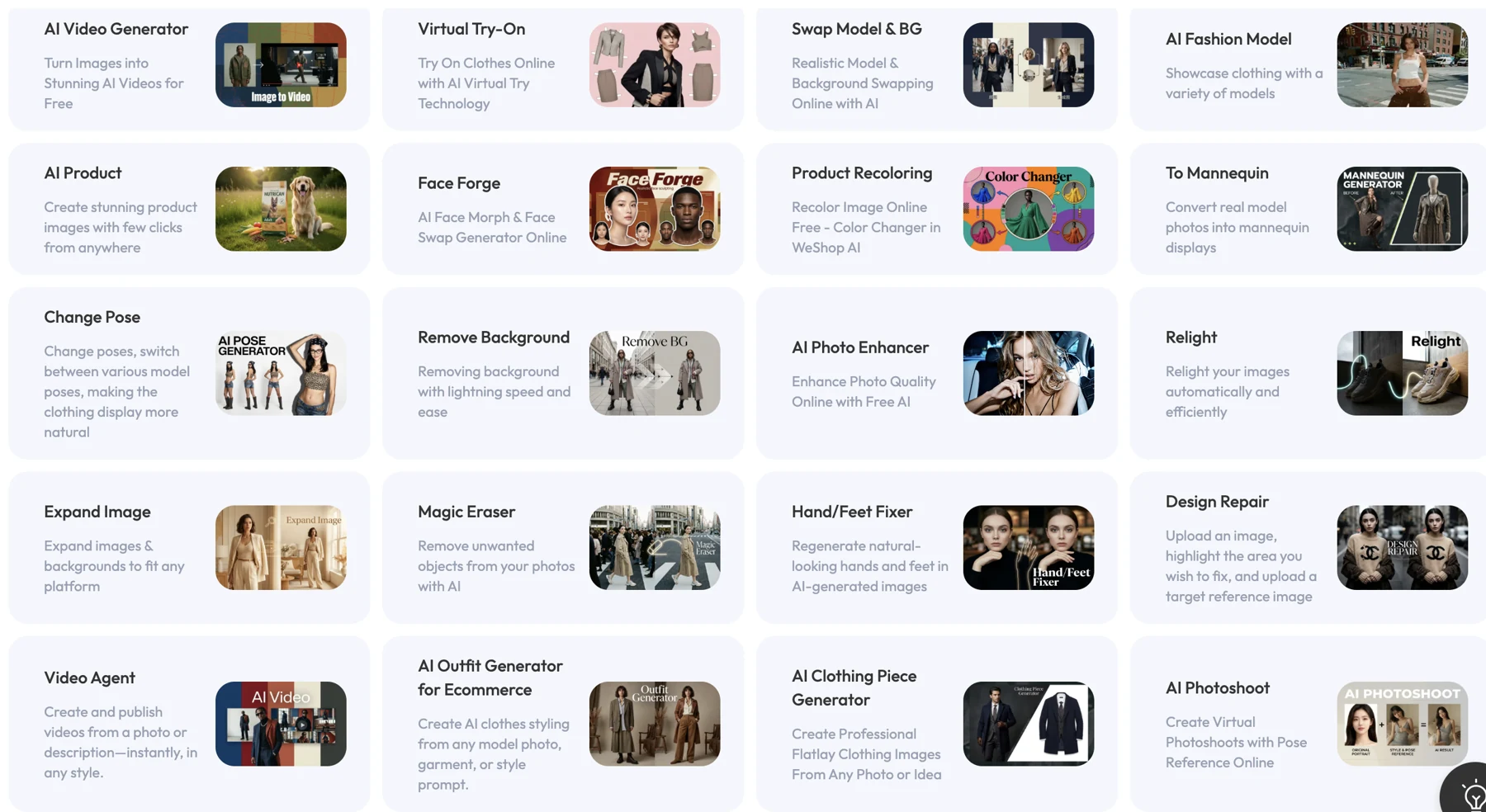
The AI Poster tool is one example. Someone planning a community event, sharing a personal project, or announcing a promotion can describe the poster they need and add their own images if they wish. The prepared workflow gives them a starting point for generating a design.
For us at MOGU, this is an important part of making creative capabilities useful to more people. Users can focus on the message, the audience, and the visual direction, then review the generated poster and refine their description to explore another version.
Images Can Become the Starting Point for Video
Video adds another dimension to the product’s current scope. A still can establish the subject and visual direction; a motion prompt can describe what happens next.
With Image to Video, an illustration can become the reference for an animated scene. The prompt guides movement and camera direction.
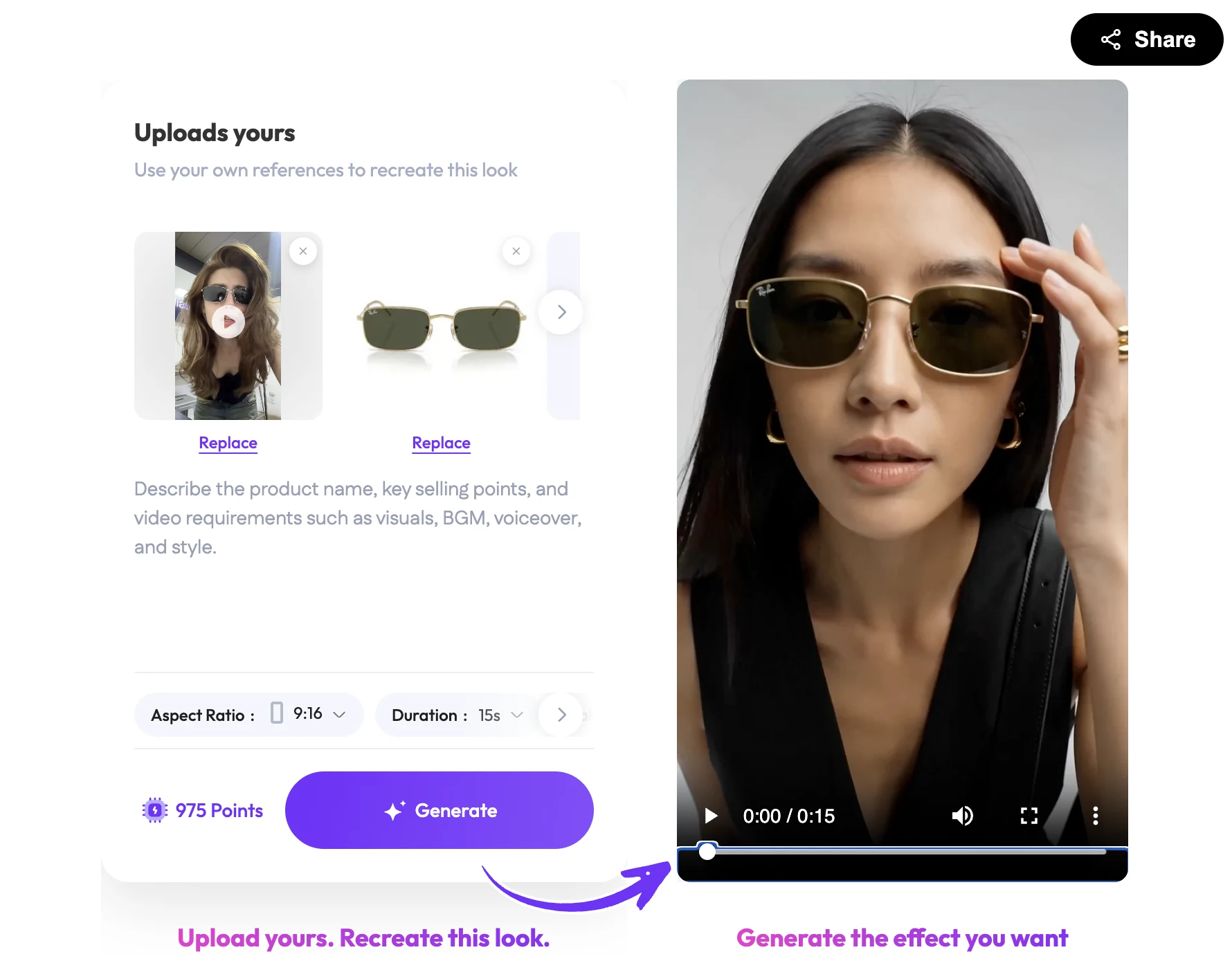
For example, an artist could explore a gentle camera move through a drawing, with a small amount of environmental motion. An ecommerce team could apply the same image-to-video approach to a selected campaign picture. The creator then reviews how the subject changes over time before choosing a final result.
This extends the creative process beyond selecting a still image. Movement and timing become part of the decisions, opening a different set of projects to people who already have visual material to work from.
A Wider Creative Platform with Ecommerce Roots
For merchants looking at WeShop AI for ecommerce in 2026, product and fashion imagery remain relevant uses. They now sit within a broader set of image and video tasks that also serve designers and people creating for their own audiences or interests.
For us at MOGU, that breadth belongs in the product’s definition. The starting point for a creator can be the project they want to make and the material they already have, whether it is for a business or for themselves.
Explore the current image and video tools on WeShop AI, or find the product in MOGU’s business overview.