
Nano Banana 2.1 on WeShop AI: Creative Range, Strengths, and Limits
WeShop AI supports Nano Banana 2.1. Explore its image generation, text rendering, reference editing, and creative limits, with examples from WeShop.
Nano Banana 2.1 is Google’s update to the Nano Banana 2 image-generation and editing model. Its stated improvements concern visual quality, instruction following, text, and continuity through successive edits. The creative question is what those changes let a person express and direct more precisely.
We look beyond a single industry use case. We are interested in the model’s creative range: which ideas it can help make visible, which aspects of an image it can sustain through change, and where other tools or human judgment remain essential. Illustration, personal photos, information design, and commercial imagery all belong in that discussion.
In this article
What Is Nano Banana 2.1?
Google identifies the model as gemini-nano-banana-2.1. Its official documentation describes image generation and conversational editing, including changes to text and infographic layouts, multi-image work, and wide-format output.
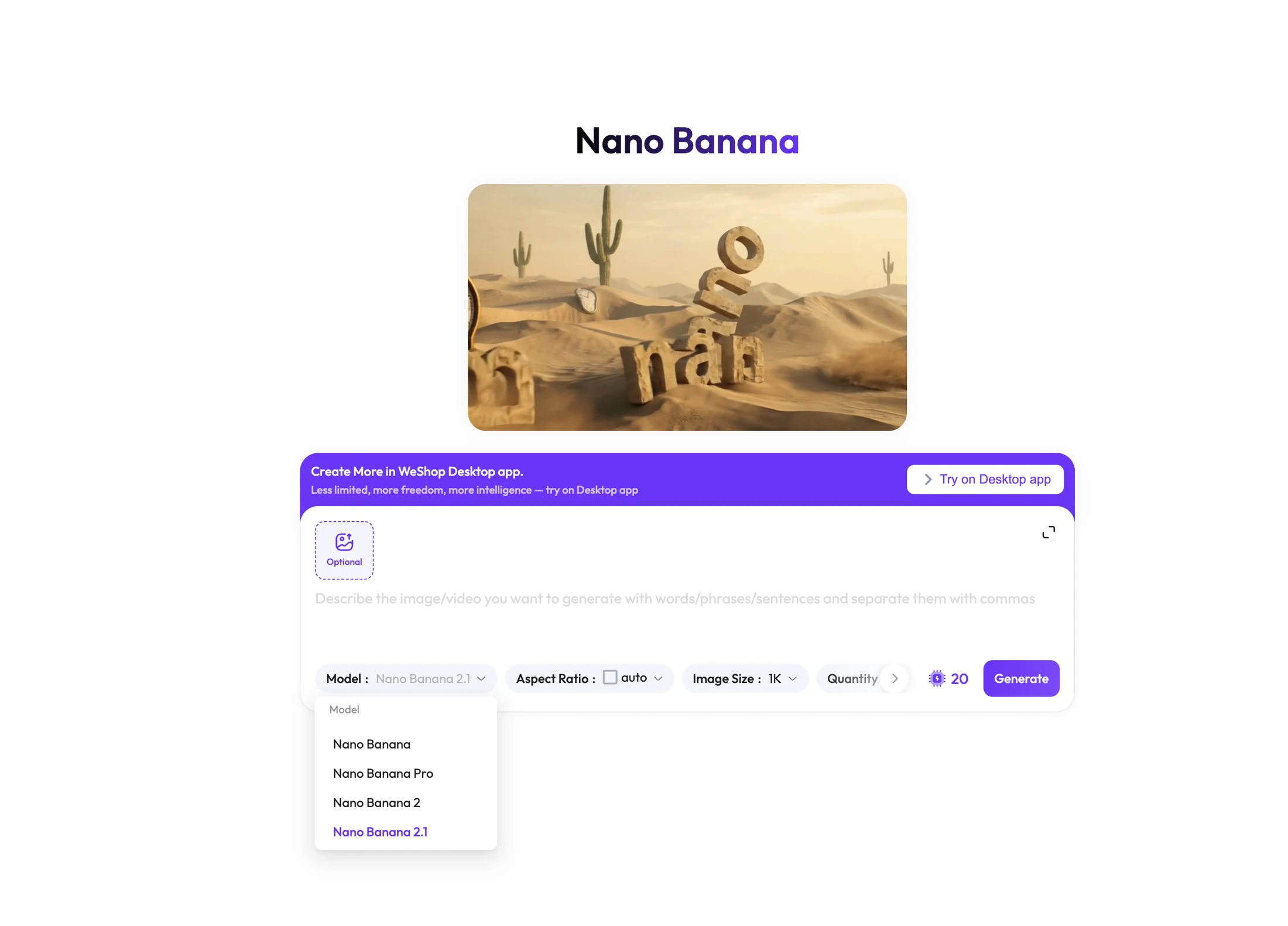
WeShop AI already supports Nano Banana 2.1. The Nano Banana page on WeShop AI is the entry point for exploring the family. The model supplies the generation and editing capabilities; WeShop provides the interface and the controls available for each version.
The Update Matters Where an Idea Needs More Control
At MOGU, the most interesting shift is from requesting a picture to sustaining an intention. A creator may like an initial scene but want a different atmosphere. A designer may need exact words to fit the composition. An illustrator may want to keep a character recognizable while changing its surroundings.
The update’s documented focus makes those areas worth investigating. It does not establish that every output will meet a production brief. The applications below are creative directions to explore, not MOGU test results or a comparative verdict.
Text and Image Working Together
A book-cover concept, event poster, or personal greeting card needs words to occupy a meaningful place in the image. The title’s scale, position, and relationship to the subject help determine how the whole picture reads.
When exploring text-led image ideas with Nano Banana, start with both the message and the visual intention. An illustrated night-sky cover and a typographic event announcement ask different things of a model, even if both contain a short title.
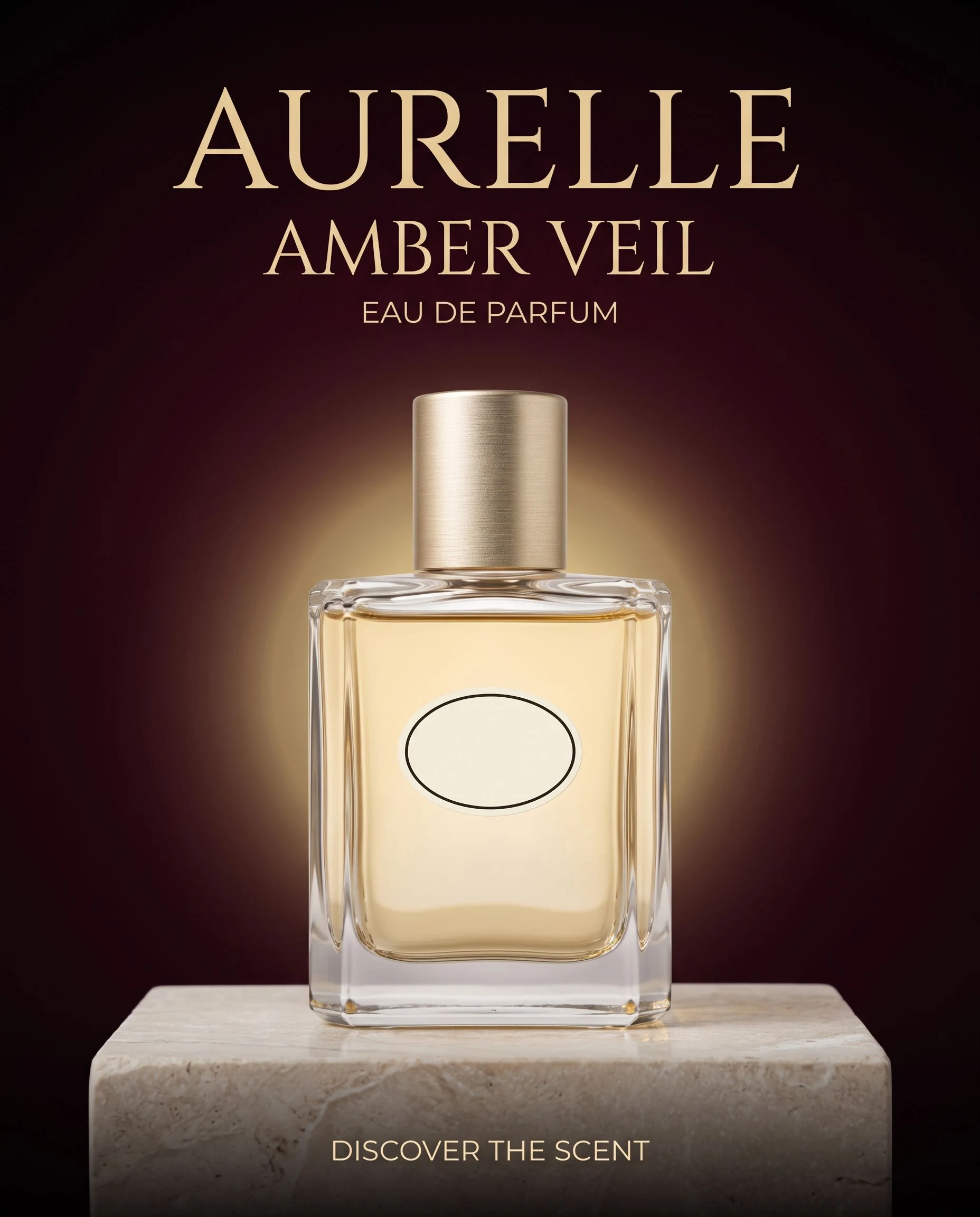
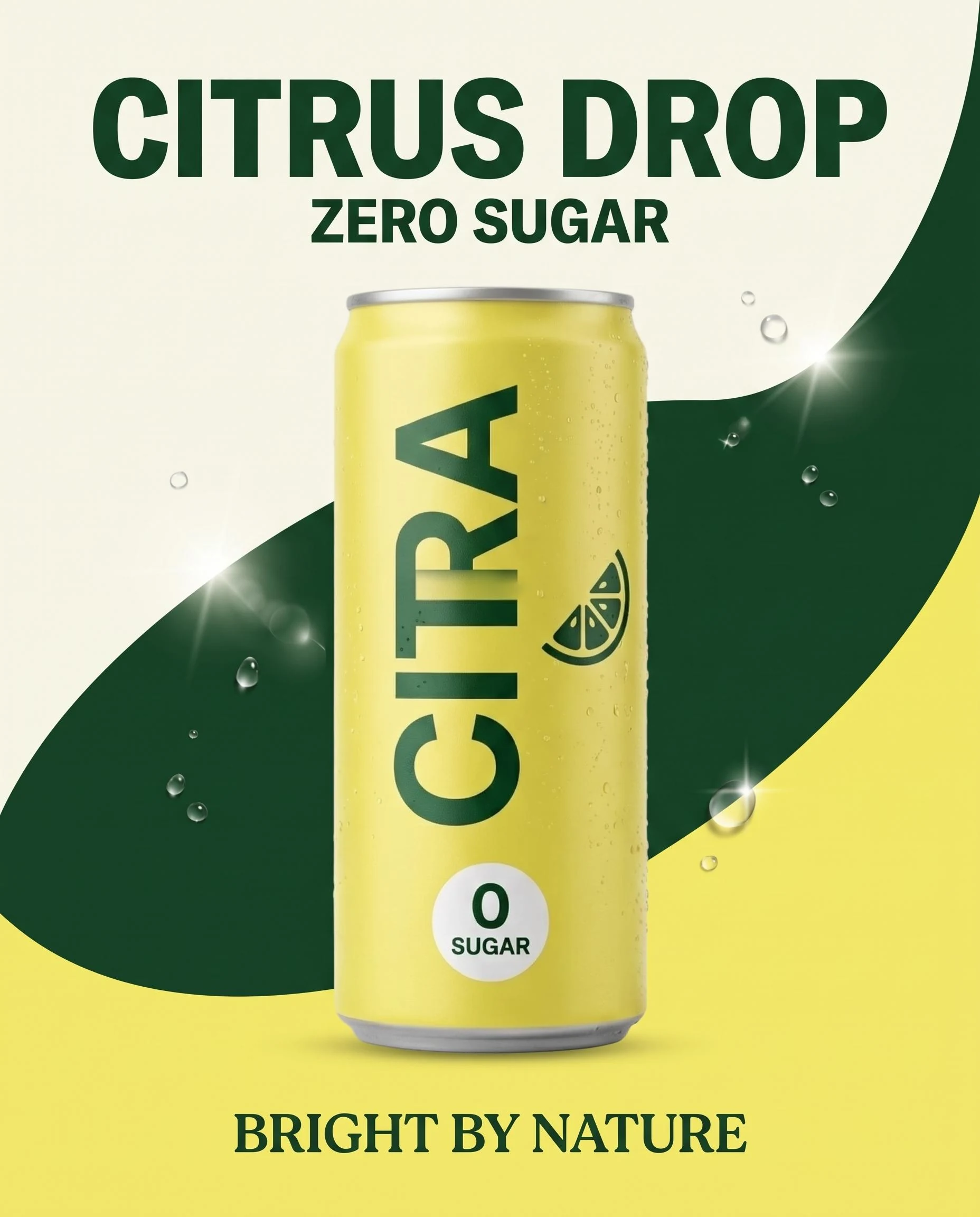
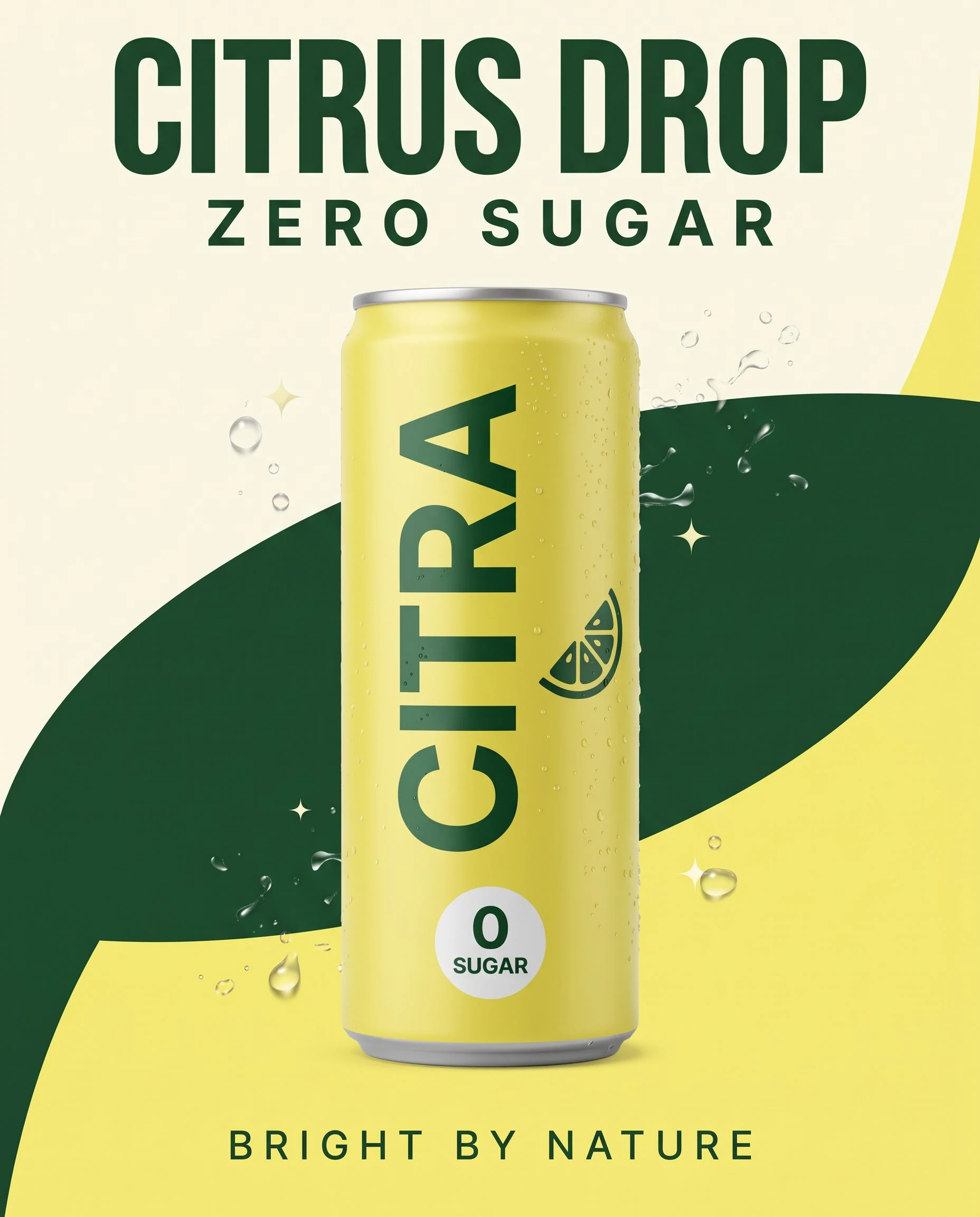
Sample posters with detailed text generated by Nano Banana 2.1 in WeShop AI
Text quality is therefore about more than spelling. An image can reproduce the words and still give them the wrong emphasis. Keep the exact copy available for a later editable design stage when the final layout demands precision. For a prepared workflow, see our guide to WeShop AI tools.
A Subject That Survives a Revision
A creator might want a character to remain recognizable through a sequence of locations, or a portrait to keep its identity through a lighting change. The creative achievement is selective change: allowing the scene to evolve while retaining the features that carry the subject.
That is a useful way to approach reference-image editing in Nano Banana. Specify what the reference contributes and what you want to change. A change in atmosphere should not quietly become a change in who or what the picture depicts.

This applies to personal portraits, illustrated characters, and product imagery alike. For a fictional character, the reference defines continuity. For a real person or object, it also provides something concrete against which to assess the edit.
Composition Across Different Formats
An image can work as a portrait composition and lose its point when extended into a wide format. New space changes the relationship between the subject, supporting elements, and empty areas.
For a creator developing a cover, a social image, and a wider presentation graphic, the question is whether each composition still expresses the same idea. Simply stretching the background is not always a sufficient design decision.
Use the Nano Banana creation entry on WeShop AI to explore a direction around your own references and brief, checking the version and settings exposed before generation.
What Not to Expect
A coherent visual is not necessarily an accurate account of the world. An infographic can be well composed while containing a wrong value or relationship. A realistic scene can depict an event that never happened.
Nor does an image model automatically provide the next production format. A storyboard may help develop a narrative, but it is not an animated film. A convincing object rendering is not a manufacturable design or an editable 3D asset. It's powerful but its focus is still on the image.
Explore the Creative Question First
WeShop AI is backed by MOGU. Our interest in model developments extends across creative tasks: what a person wants to make, which materials they can bring, and how much control a model gives them over the result. Our overview of WeShop’s broader creative scope provides more context.
Choose an actual creative question—a title-led image, a photo edit, or a recurring subject—and explore Nano Banana on WeShop AI. Judge the result by what it helps you express and what still needs further work.
You may also like
Explore WeShop’s wider scope for image and video creation.
See how prepared workflows support posters, expansion, and photo edits.
Take selected images into a connected commercial-video workflow.